Turn images into checkbox mosaics.
The next big tiny art movement. Make something worth checking out.
<script type="module" src="https://esm.sh/inputism/element"></script>
<inputism-image src="cat.jpg" density="32" mark="checked"></inputism-image>Make your own mosaic
Choose a photo and turn it into an inputism mosaic.
Choose a photo to get started.
The selected image is processed only in your browser. It is not uploaded or stored anywhere.
Examples
A small set of examples using the web component.
<inputism-image src="cat.jpg" density="32" mark="checked"></inputism-image>
<inputism-image src="cat.jpg" density="32" mark="indeterminate"></inputism-image>
<inputism-image src="cat.jpg" density="32" mark="background"></inputism-image>Original
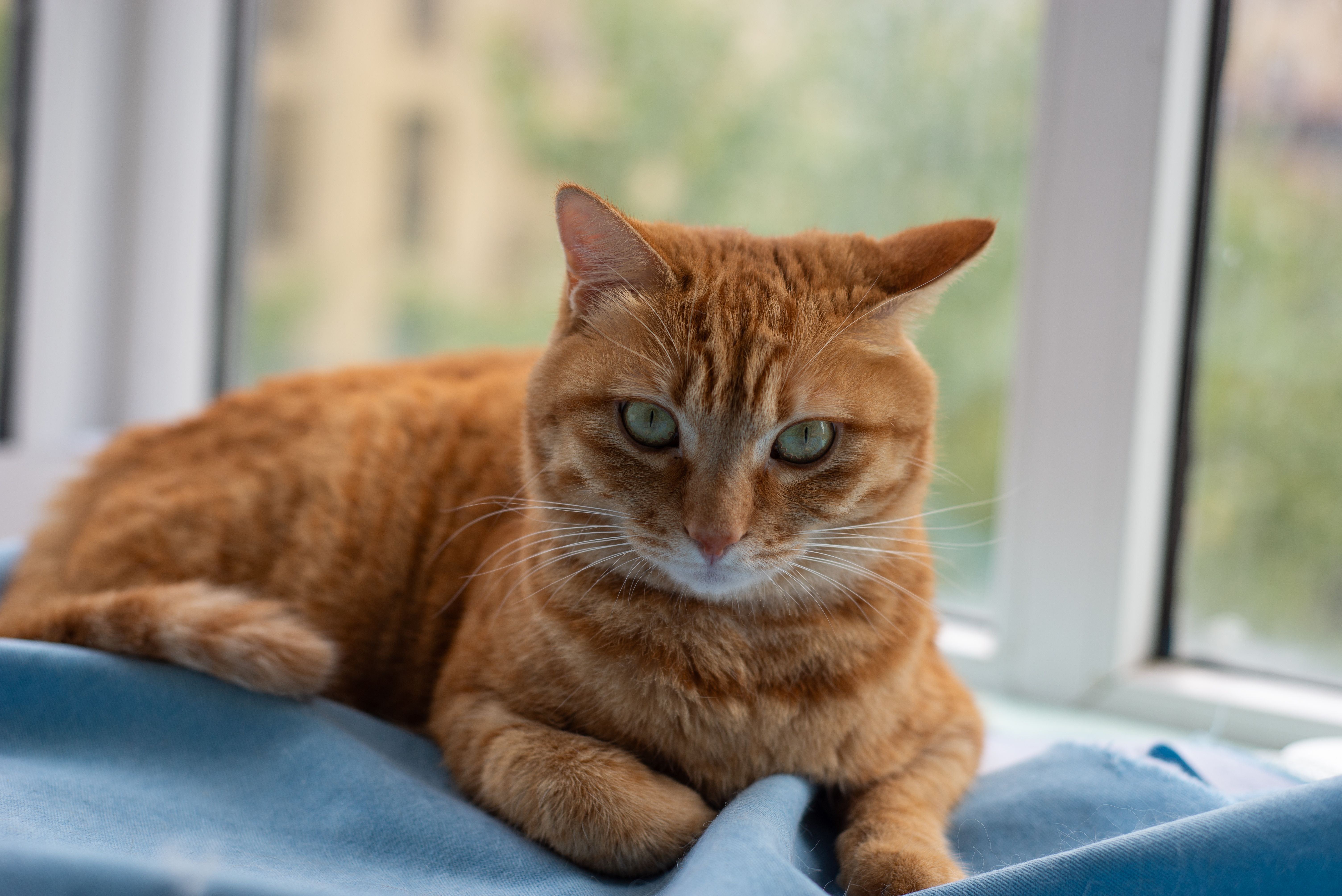
Checked
Indeterminate
Background
Cross-origin source
This example uses an external image with anonymous CORS enabled.
<inputism-image
  crossorigin="anonymous"
  src="https://images.pexels.com/photos/34574310/pexels-photo-34574310.jpeg"
  density="32"
  mark="checked"
></inputism-image>Original
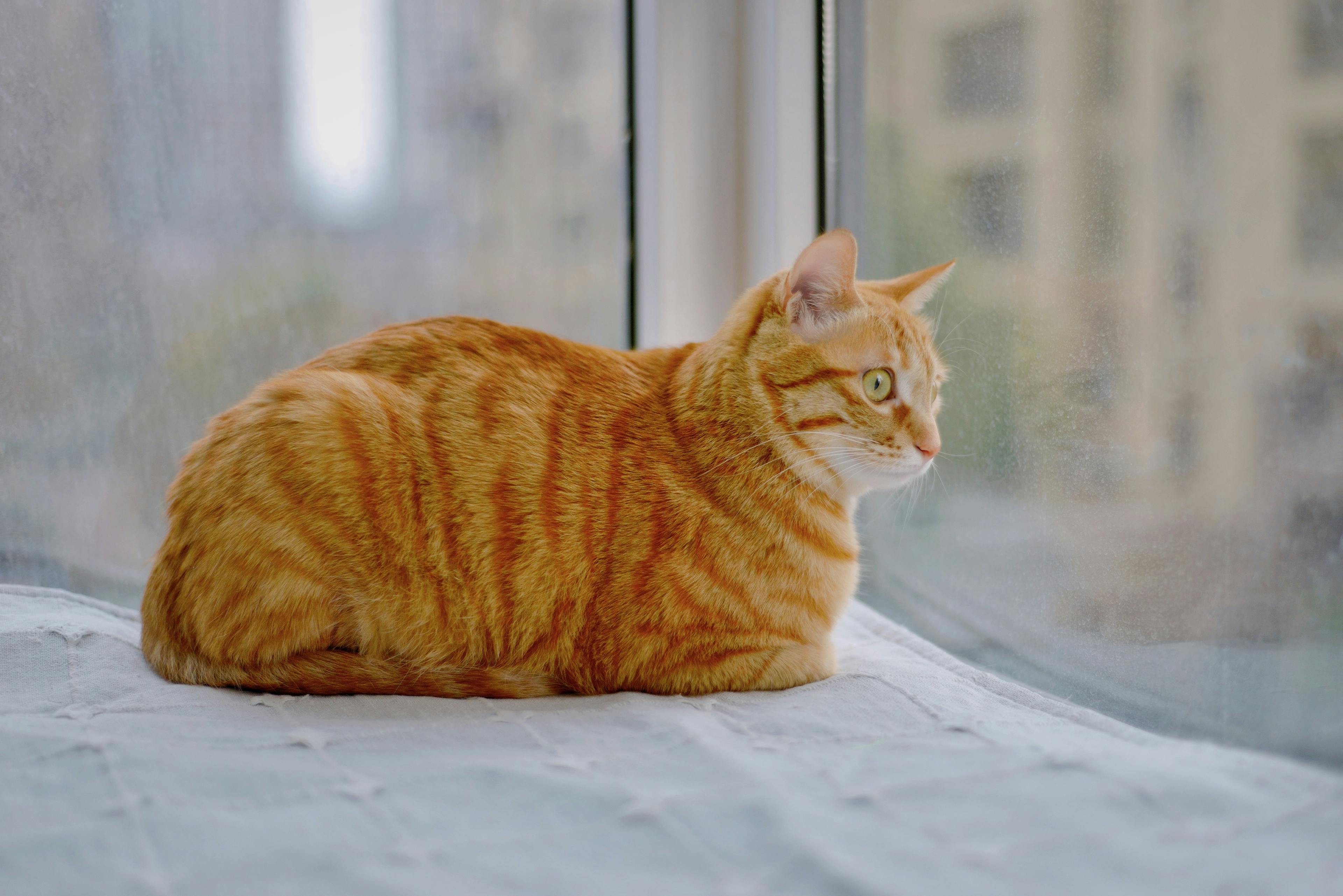
Checked
Indeterminate
Background
Encoded image source
Pass an encoded image data URL directly through
src or assign it from JavaScript.
<!-- The full base64 value is shortened here. -->
<inputism-image
  src="data:image/jpeg;base64,BASE64_IMAGE_DATA"
  density="32"
  mark="checked"
></inputism-image>
// The encoded image can also be assigned from JavaScript.
const encodedImage = "data:image/jpeg;base64,BASE64_IMAGE_DATA";
const element = document.querySelector("inputism-image");
element?.setAttribute("src", encodedImage);Original
Inputism
Width and height
Width and height describe the source image’s dimensions and proportions. They allow the custom element to reserve the correct aspect-ratio area before the image loads, preventing the page from jumping.
<inputism-image
  src="cat.jpg"
  width="6016"
  height="4016"
  density="32"
  mark="checked"
></inputism-image>Reserved image space
Accessible label
The component applies role="img" to its internal
grid. Use label like an alt value to
name that image.
<inputism-image
  src="cat2.jpg"
  density="32"
  mark="checked"
  label="A tabby cat lying on a patterned rug"
></inputism-image>Labeled image
Lazy loading
Add loading="lazy" to wait until the component
approaches the viewport before decoding its source.
<inputism-image
  src="cat4.jpg"
  loading="lazy"
  density="32"
  mark="checked"
></inputism-image>Lazy image
Raw HTML export
Render the grid as ordinary HTML with styles embedded directly in the generated elements.
import { createInputismImageFromUrl } from "inputism/source";
import { renderInputismHtml } from "inputism/html";

const image = await createInputismImageFromUrl("cat.jpg", {
  density: 32,
});
const container = document.querySelector(".raw-html-output");

if (container) {
  renderInputismHtml(container, image, {
    mark: "checked",
    inlineStyles: true,
  });
}Generated HTML
Load event
Listen for inputism-load after the image has been
converted and rendered.
              import "inputism/element";
import type { InputismElement } from "inputism/element";

const image = document.querySelector<InputismElement>("inputism-image");
const output = document.querySelector<HTMLElement>(".load-example-output");

image?.addEventListener("inputism-load", (event) => {
  const loadedImage = event.detail;
  if (output) {
    output.textContent = `Loaded ${loadedImage.columns} × ${loadedImage.rows} cells.`;
  }
});
Live example
Waiting for the component to emit inputism-load…
Error handling
Listen for inputism-error and decide how your
application presents it.
import "inputism/element";
import type { InputismElement } from "inputism/element";

const image = document.querySelector<InputismElement>("inputism-image");

image?.addEventListener("inputism-error", (event) => {
  const error = event.detail;
  console.error("Inputism could not load the image", error);
});Live example
Waiting for the component to emit inputism-error…
Install
Add Inputism to a TypeScript project.
npm install inputismpnpm add inputismyarn add inputismAPI
Sources provide pixels, the core creates the image model, and renderers display it.
inputism/element registers the preferred
<inputism-image> web component.
createInputismImage(rgbaImage, options) creates a
complete image model.
createInputismImageFromUrl(source, options) loads a
browser image source and creates the model.
createInputismLayout(width, height, options) creates
the stable cell layout.
createInputismColors(rgbaImage, layout) samples RGB
colors for that layout.
renderInputismHtml(container, image, options) creates
raw HTML, with optional inline styles.